THE BUY BUTTON / ROBINHOOD CHAIN
HOW TO BUY $BUY.
An independent community memecoin on Robinhood Chain. Not an official Robinhood product.
CHECK THE TOKEN.
Robinhood Chain / 4663The Buy Button · $BUY · not Robinhood stock
0x380b5636bBB7e534A88a190597F71f61687c1B8d
Current BUY after the October 13 migration. Check the full address, not just the name or logo. The previous contract is a separate legacy token.
Migrated already? Claim your new BUY ↗ · BUY / tokenized GME chart ↗
Already funded on Robinhood Chain? This opens the swap page with ETH and the new BUY selected. The primary pool pairs BUY with tokenized GME; an ETH route depends on available liquidity. You choose the amount, review the quote and confirm in your wallet.
This site does not connect your wallet or start a transaction. Quotes and route availability can change.
NEED TO SET UP FIRST?
WALLET. ETH. REVIEW.
- 01
Use a wallet that supports this chain.
Robinhood Wallet. Not the regular Robinhood app. It supports Robinhood Chain. An EVM wallet with Robinhood Chain added is another option; connection support depends on the swap interface.
- 02
Fund it with ETH on Robinhood Chain.
ETH on Ethereum or Base is not ETH on Robinhood Chain. Receive a supported transfer or bridge to your own wallet with Robinhood Chain as the destination. Check the sending service supports that network before sending.
Keep some native ETH for gas. Do not swap your entire ETH balance. WETH is not native ETH for network fees. A bridge may also need gas on its source chain.
- 03
Check the quote. Decide for yourself.
Open the swap link above. Check Robinhood Chain, the full BUY address, your amount, minimum received, price impact and network fee. Only confirm if you accept those terms.
No BUY result? Stop. Do not choose another BUY. If the quote is missing, expired or unexpectedly expensive, stop and check again.
Never send ETH to the token contract to buy it. Never share your recovery phrase.
Prefer the swap inside Robinhood Wallet?
With ETH on Robinhood Chain, open Swap. In Swap, tap the token on the right. Paste this. Choose BUY.
These reference screenshots show the legacy token and an earlier app layout. Use the new contract above, never an address from these screenshots. Your version may look different. Amounts shown are examples, not suggested spending.
-
01 TAP SWAP.
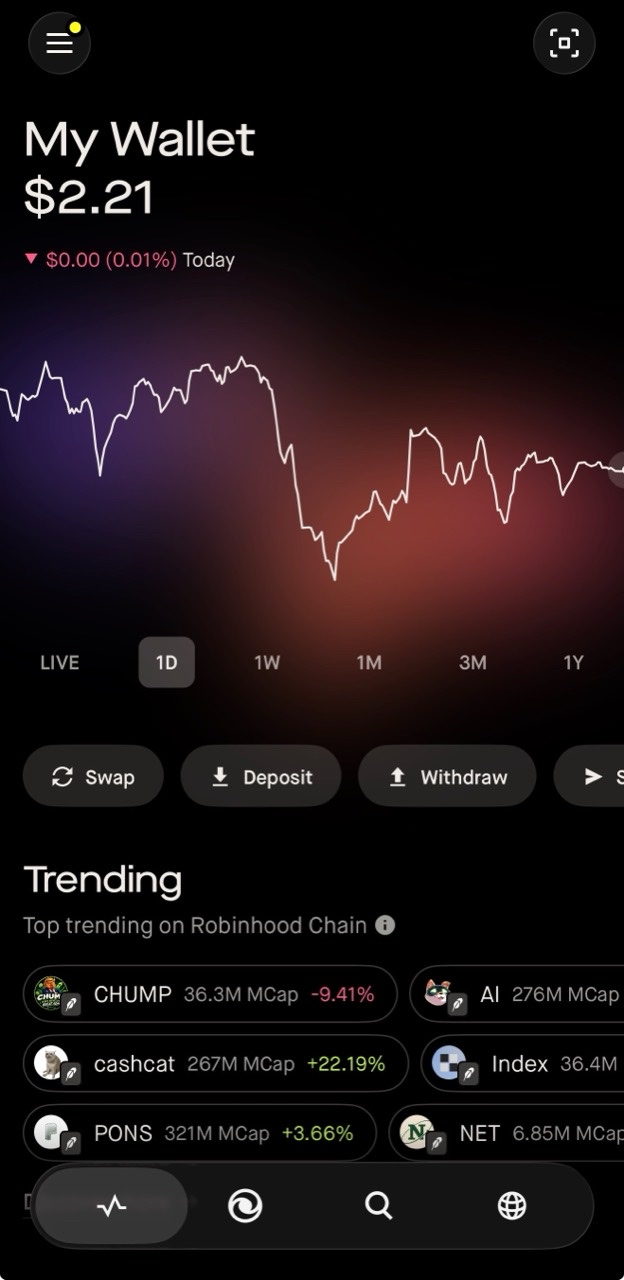
01 / TAP SWAP -
02 ETH → BUY.
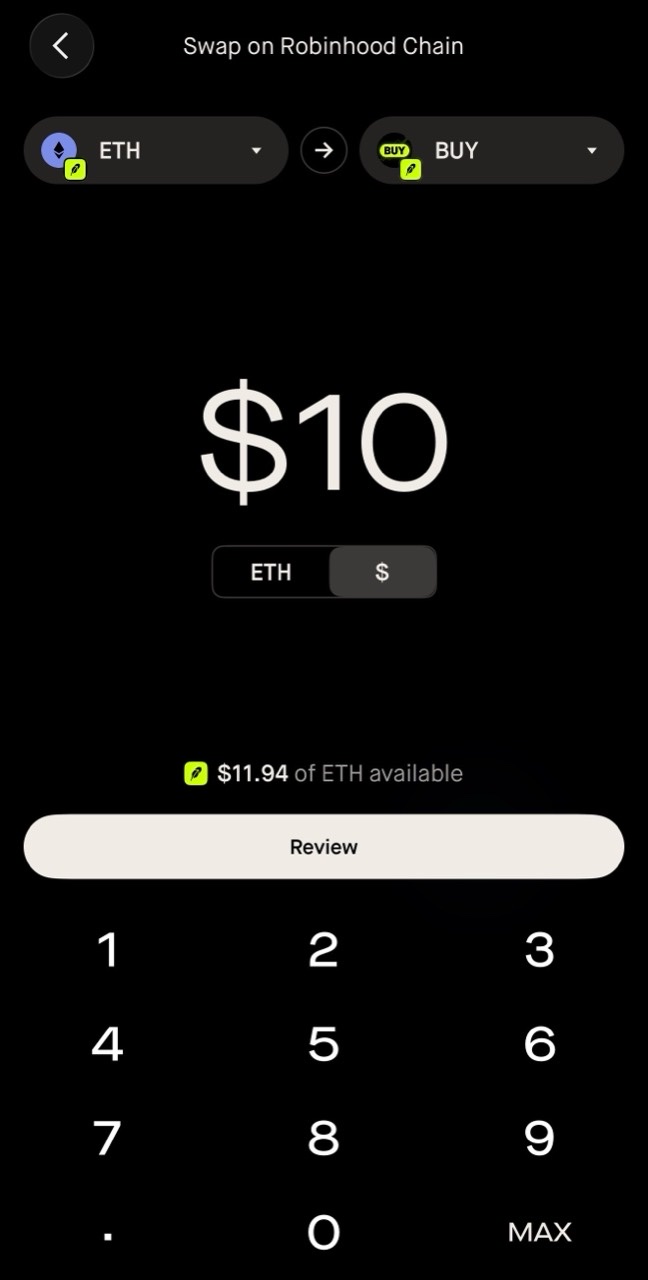
02 / RIGHT TOKEN → PASTE ADDRESS → BUY → REVIEW -
03 CHECK. SWIPE.
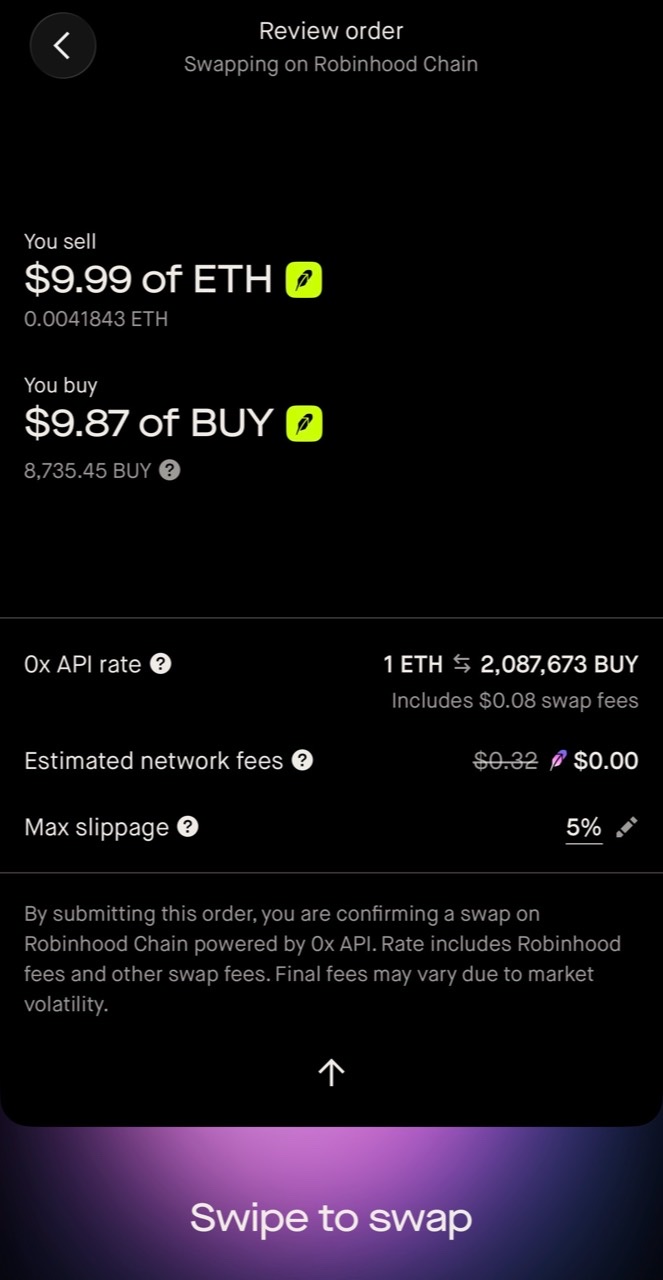
03 / CHECK ETH → BUY / SWIPE TO SWAP